
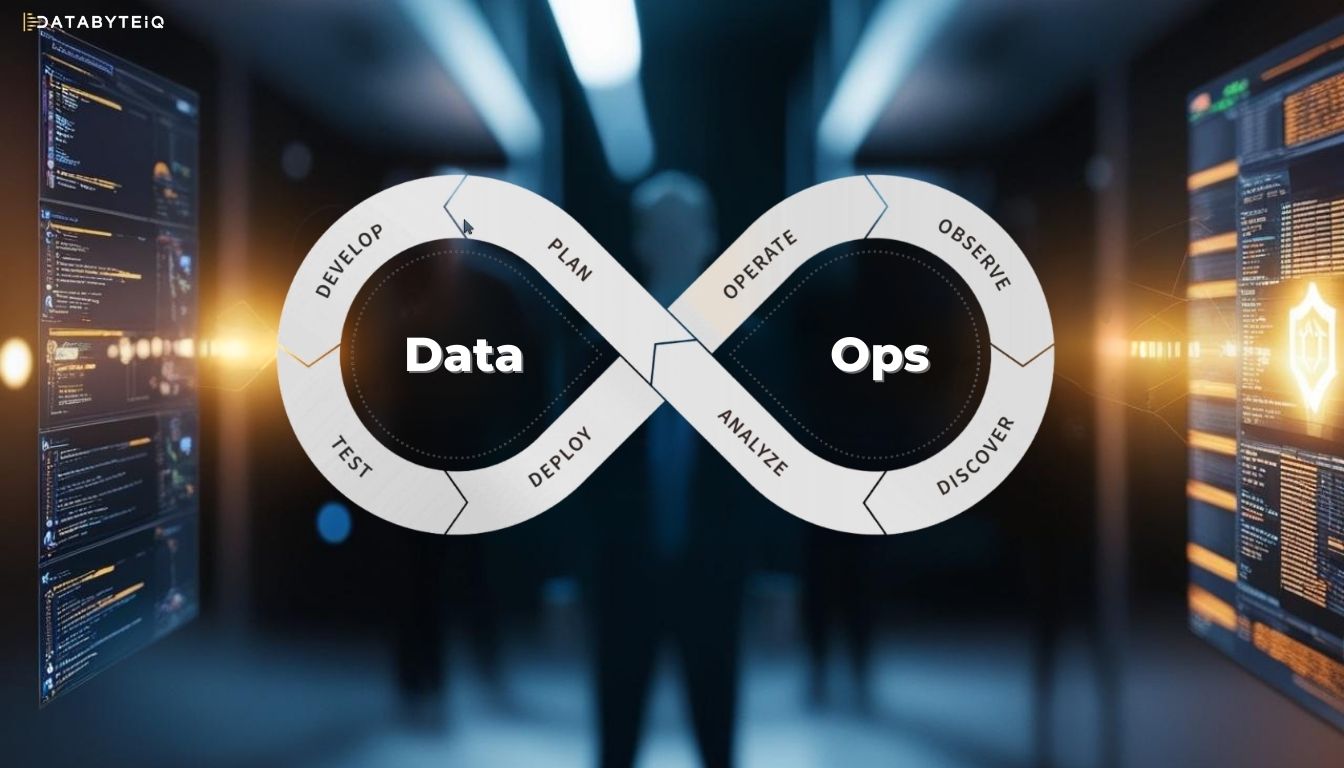
DataOps in Microsoft Fabric
Digital transformation is increasingly centered around data. Modern organizations must deliver reliable insights with speed, quality, and governance. That’s where DataOps stands out! In this article, we’ll explore how to apply this methodology within the unified ecosystem of Microsoft Fabric, enabling greater efficiency, automation, and control in data management.
What is DataOps?
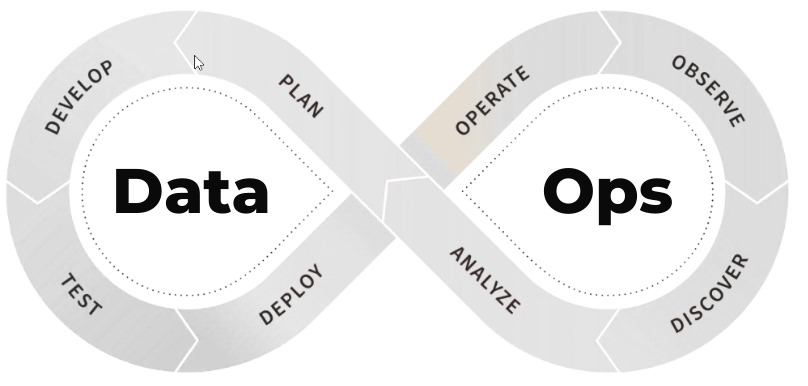
DataOps is an agile and collaborative approach to data operations. Inspired by DevOps practices, it focuses on integrating people, processes, and technology to optimize the entire data lifecycle – from ingestion to visualization.
The key pillars of DataOps include:
- Automation
- Observation and Monitoring
- Incident Response
- Security
Why use DataOps in Microsoft Fabric?
Microsoft Fabric brings together tools like Power BI, Data Factory, Synapse, Spark Notebooks, OneLake, and Purview into a single, unified platform. This makes it an ideal environment for adopting DataOps, offering:
- Integrated and collaborative workspaces
- Pipeline orchestration with Data Factory
- Data transformations with Spark or Dataflows Gen2
- Centralized storage with OneLake
- Governance and lineage with Microsoft Purview
- Automated deployment using GitHub or Azure DevOps
🔗 Also read: Complete Guide to Microsoft Fabric Implementation to learn how to begin this journey.
Real-World Example: DataOps Pipeline in Microsoft Fabric
Let’s imagine a sales report scenario that needs to be updated daily, with reliability and traceability:
 |
1. Automated Ingestion – Data is collected from ERP, CRM, and spreadsheets -using Data Pipelines – Initial storage in the raw zone of the Lakehouse |
 |
2. Transformation and Business Logic – Data is processed and enriched using Spark Notebooks – Optimized tables are created using Dataflows Gen2 |
 |
3. Data Validation – Automated tests to check for consistency, completeness, and anomalies – Corrective actions or alerts triggered when issues are detected |
 |
4. Governance – Data lineage is tracked using Purview – Sensitive data is classified and access policies are enforced |
 |
5. Visualization with Power BI – Datasets are connected to curated tables in the Lakehouse – Dashboards include alerts for key business indicators |
 |
6. CI/CD with GitHub – Version control for pipelines, notebooks, datasets, Power BI reports, and more – Automated deployment pipelines from DEV → UAT → PROD |
 |
7. Monitoring and Continuous Feedback – Monitoring dashboards track pipeline performance and data quality – Alerts via Teams or email notify teams of critical failures |
Benefits of Integrating DataOps with Microsoft Fabric
- Reduced manual errors
- Faster delivery of insights
- Full data traceability and reliability
- Enhanced team collaboration
- A single platform for the entire data lifecycle
Conclusion
Adopting DataOps within Microsoft Fabric is not just a trend—it’s a necessary evolution for organizations aiming to extract real value from their data. With a unified, secure, and highly scalable environment, Microsoft provides the right tools to build agile, monitorable, and intelligent data pipelines.
If your organization is looking to turn data into decisions more efficiently, count on DatabyteiQ to implement a custom DataOps strategy tailored to your reality.


